

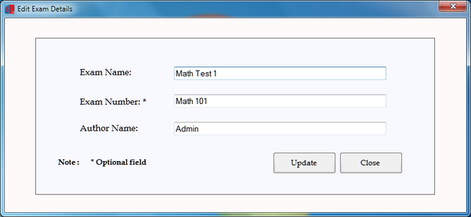
Edit/Delete Exam : This feature is used to edit exam details like exam name, number of author name.
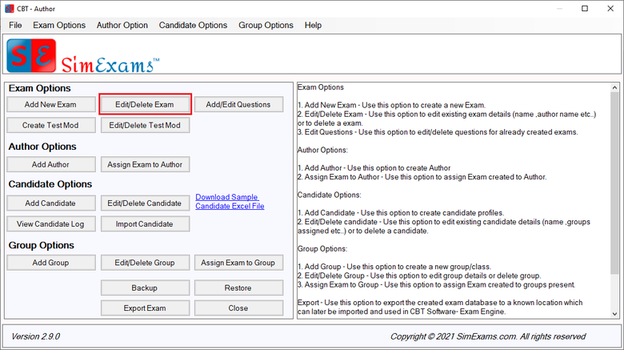
To edit/delete a exam use "Edit/Delete Exam" button. You will be shown a list of all the exams you have created as shown below. Select the exam you want to edit or delete.
Please note : This option is only available if you are logged in as administrator
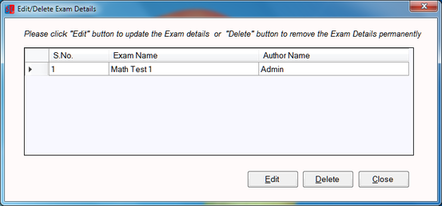
Clicking "Delete" button will remove the exam completely. Clicking on "Edit" button will show you the exam details as shown below. Make required changes and click "Update".
Copyright © Anand Software and Training Private Limited.